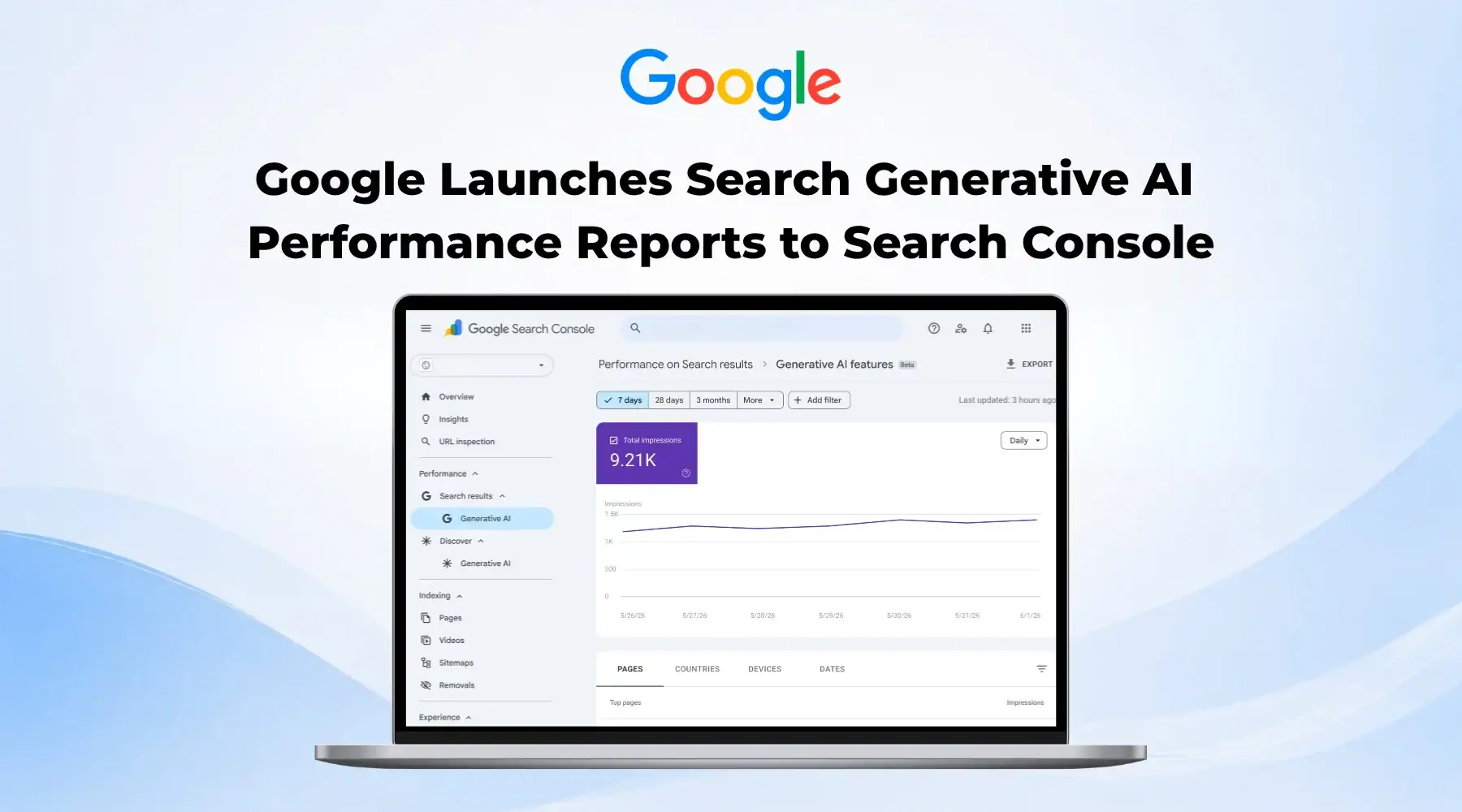

Google has started rolling out a new setting inside Search Console called Search Generative AI control. It lives under Settings, and it decides whether your content is eligible to appear inside AI Overviews, AI Mode, and the AI generated summaries that now show up inside Google Discover.
This is not a ranking setting. It does not change where your pages sit in classic blue link search results. What it does change is whether Google's AI features are allowed to pull from your site at all when they generate an answer.
What the Setting Actually Controls
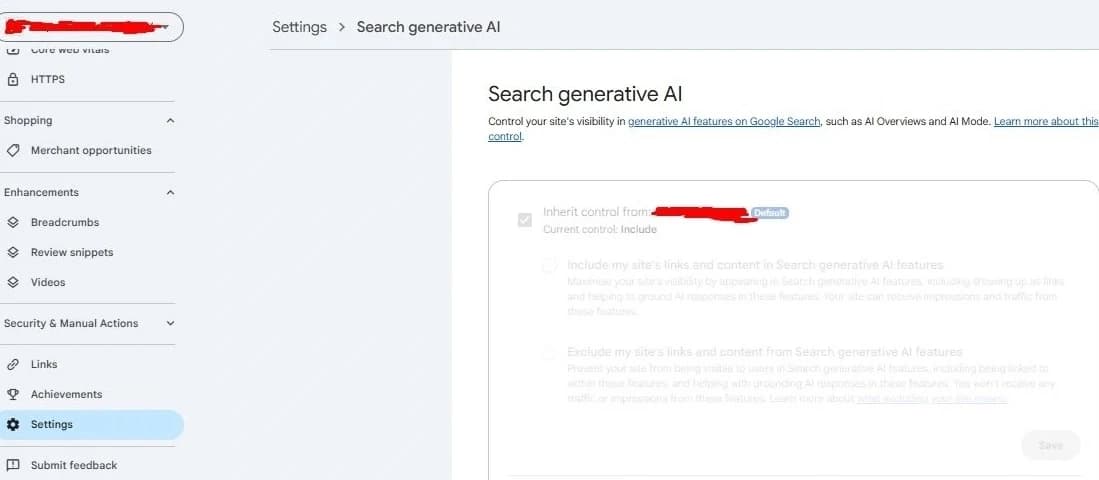
Every property in Search Console can be set to one of three options: Include, Exclude, or Inherit. Include is the default, and it means your site stays eligible to be cited, linked, and used as a source when Google's AI features generate an answer.
Exclude removes that eligibility entirely. Your pages can still rank normally in traditional search results, but they will not be quoted, linked to, or used to ground an AI Overview or an AI Mode response. Inherit tells a property to follow the closest manually configured parent property above it, falling back to the top level domain property if nothing else has been set.
How to Find and Change the Setting
The control lives inside each verified property, under Settings, then Search generative AI. Google's own wording for Include is that your content can appear in Search generative AI features, including showing up as links and helping to ground AI responses. For Exclude, the wording is that your content is prevented from being visible to users in these features, including being linked to or helping ground a response.
Changes are not instant. Google says excluded content typically drops out of AI features within one to two days after the control goes live, though some pages can take longer because of caching and propagation across Google's systems. Flipping the setting back to Include later is not guaranteed to be any faster.
What It Does Not Do
Google has been explicit that this control is not a ranking or indexing signal. Turning on Exclude does not hurt your position in regular search results, and turning on Include does not help it either. It only governs whether AI generated answers are allowed to use your content as a source.
It also does not cover everything Google builds with AI. The setting controls AI Overviews, AI Mode, and the AI summaries inside Discover, but it does not stop your content from surfacing inside the standalone Gemini app. If you are trying to keep your content fully out of any Google AI system, this toggle alone will not do that.
It is also a different lever from the ones you already know. noindex and robots.txt decide whether Google crawls and indexes a page at all, and the Google-Extended directive in robots.txt decides whether your content can be used to train Gemini and other AI models. The Search generative AI control sits on top of all of that. It only decides whether content Google has already indexed can be surfaced inside AI Overviews, AI Mode, and Discover's AI features.
Why This Exists Now
The control launched first in the UK on June 3, 2026, and took effect on June 17 under a mandate from the UK's Competition and Markets Authority. Publishers had been asking for a way to separate letting Google index and rank their content from letting Google's AI rewrite and repackage that content without a click, and this is Google's answer to that pressure.
As of now, the setting is only visible to a subset of website owners in the UK, with a global rollout planned but no confirmed date. If you check Settings in your own Search Console today and do not see it yet, that is expected. It has not reached most properties outside the UK.
Should You Turn It Off
For most businesses, the answer is no. Being cited inside an AI Overview is still a visibility win, not a threat, especially for a services business where the real value sits in the conversation that happens after someone finds you, not in the page view itself.
The calculation changes if your business sells access to information directly. Subscription content, paywalled research, or proprietary data are cases where an AI summary can genuinely replace the reason someone would visit your site. If that describes you, Exclude is worth testing. If it does not, staying on Include and focusing on getting cited well is the better use of your time.
What To Do Right Now
- Check Settings in Search Console to see if the Search Generative AI control has reached your property yet.
- If it has, leave it on Include unless you have paywalled or subscription content that an AI summary would directly replace.
- Use the Generative AI performance report in Search Console to see how much traffic you already get from AI surfaces before changing anything.
- Remember this setting does not touch the standalone Gemini app, so it is not a full opt out from every Google AI product.
AI Overviews and AI Mode are becoming a normal part of how people search, and the businesses that show up inside them are the ones whose content already answers the question clearly. If you want help auditing where your site currently stands in AI search results and what to fix first, our SEO and AI search service is built around exactly that. Contact us if you want a second opinion on your setup.
Need help with this?
Growthtrait can help you put this into practice. Let's talk about your goals.
Contact us