
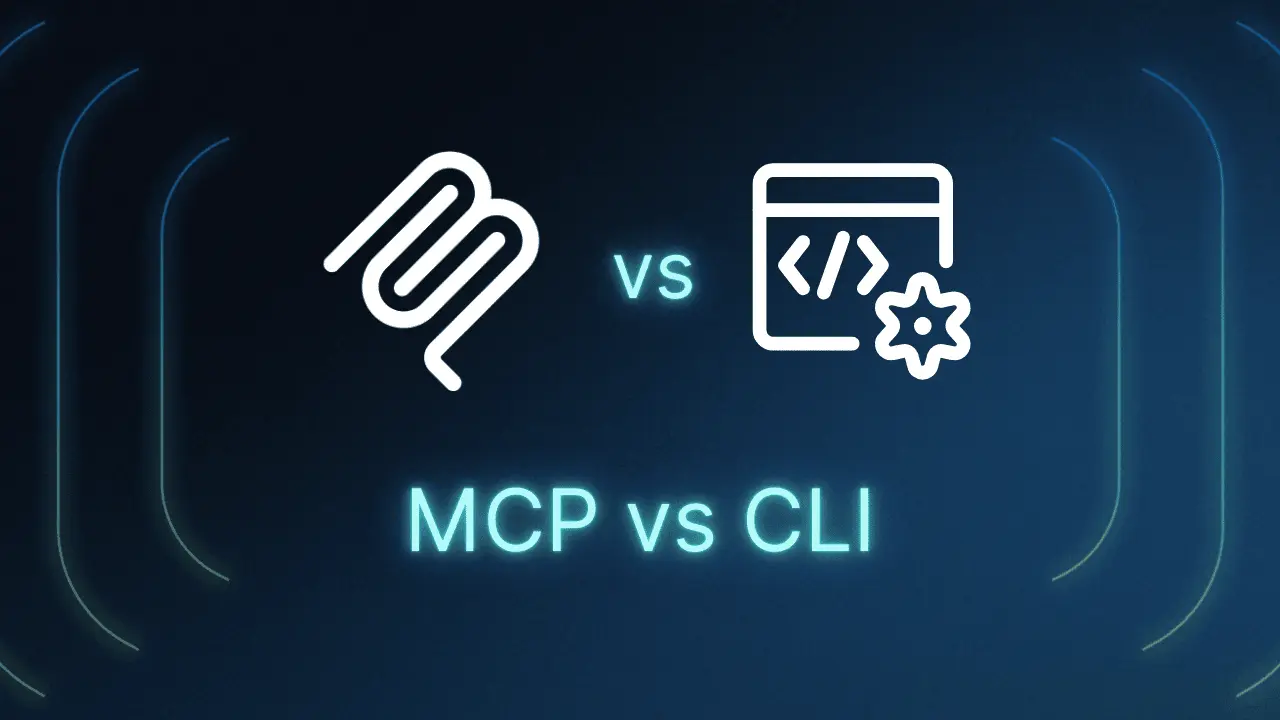
Every team building AI agents on Claude eventually asks the same question: should this integration be an MCP server, or can Claude just call a CLI tool directly? Both approaches give Claude new capabilities, and both show up in real production systems. The difference is in how each one is priced, cached, and maintained.
This is not a preference question. It is a token cost question, a prompt cache question, and a maintenance question, and the answer depends on what you are actually connecting Claude to.
What MCP Actually Is
Model Context Protocol, or MCP, is an open protocol for connecting AI models to external tools and data sources through a standard interface. On the Claude API, you declare an MCP server with a name and a URL, then grant Claude access to it through a matching tool entry. Anthropic's own documentation is explicit that this is a two part configuration, not one.
In Anthropic's Managed Agents platform, the split is even more deliberate. The MCP servers you connect to live on the agent definition with no credentials attached, and the actual OAuth tokens or API keys live in a separate vault that gets attached at session time. This keeps secrets out of the reusable agent config, but every MCP integration still carries setup overhead beyond installing a package.
What Reaching for the CLI Actually Means
The alternative is simpler on paper. Claude already has a Bash tool in most agent harnesses, including Claude Code, and if a capability already exists as a command line tool such as gh, git, or aws, Claude can just call it directly. No server to stand up, no schema to define, no protocol to speak.
Anthropic's own agent design guidance frames this as a deliberate default: start with bash for breadth, and only promote an action to a dedicated tool when you need to gate it, audit it, render it differently, or run it safely in parallel. MCP tools are, in effect, a way of getting dedicated, typed tools from a third party without writing that integration yourself.
The Token Math Nobody Reads the Fine Print On
Here is the part that actually decides cost. Every tool you declare, whether it is a custom tool, an MCP toolset, or a built in agent toolset, renders into the request before the system prompt and before the conversation itself. That ordering matters more than most teams realize.
Prompt caching in the Claude API is a strict prefix match. A single byte of difference anywhere in that prefix invalidates every cached token that comes after it, and because tools render first, adding, removing, or reordering a single tool invalidates the entire cache for that request, not just the tool definitions.
This is why a stable CLI based toolset stays cheap to run across a long session, while an MCP setup that swaps servers per task or per user keeps paying full price on every switch. A cache write costs roughly 1.25 to 2 times a normal token, while a cache read costs about a tenth of one, so the gap compounds fast in an agent that runs hundreds of turns a day.
Where MCP Genuinely Pays for Itself
None of this makes MCP the wrong choice. It is the right one whenever the capability you need has no clean CLI equivalent, most commonly a third party SaaS product like Slack, Linear, or Notion, where hand rolling that integration yourself would take longer than wiring up an existing MCP server.
MCP also gives you permission policies that a raw bash command cannot. You can mark a specific tool as always_ask so a human has to approve it before it runs, while leaving lower risk tools on always_allow, which is a meaningfully safer default for anything that writes data or spends money.
The Problem With Connecting Too Many MCP Servers
Teams that connect five or six MCP servers at once, each with a dozen tools, run into a second cost problem. All of those tool schemas sit in context on every single request whether Claude needs them or not, and Anthropic addressed this directly with a tool search feature that lets you mark tools with defer_loading so their full schema is not loaded until Claude actually searches for it.
The same platform documentation notes that an MCP tool call returning more than 100,000 tokens gets automatically offloaded to a file rather than dumped into the conversation. That safeguard alone is a signal of how easily an unmanaged MCP integration can blow up a context window if nobody is watching it.
A Simple Way to Decide
- Reach for the CLI first when the capability already exists as a command line tool and the tool set will stay stable for the length of a session.
- Reach for MCP when you are integrating a third party service with no CLI, or when specific actions need typed inputs and an approval gate before they run.
- Watch your tool count either way. Past a handful of connected MCP servers, turn on tool search and defer_loading before your context and your bill grow past what the task justifies.
The teams that get this right are not the ones who commit to MCP or CLI as a philosophy. They are the ones who look at what actually changes between requests, keep that surface as small as possible, and let that decision, not a trend, choose the toolset.
If your team is weighing where to invest in AI tooling, whether that is agent architecture, prompt systems, or workflow design, our AI training and consulting service works through exactly these tradeoffs with teams building on Claude. Contact us if you want a second opinion on your setup.
Need help with this?
Growthtrait can help you put this into practice. Let's talk about your goals.
Contact us