
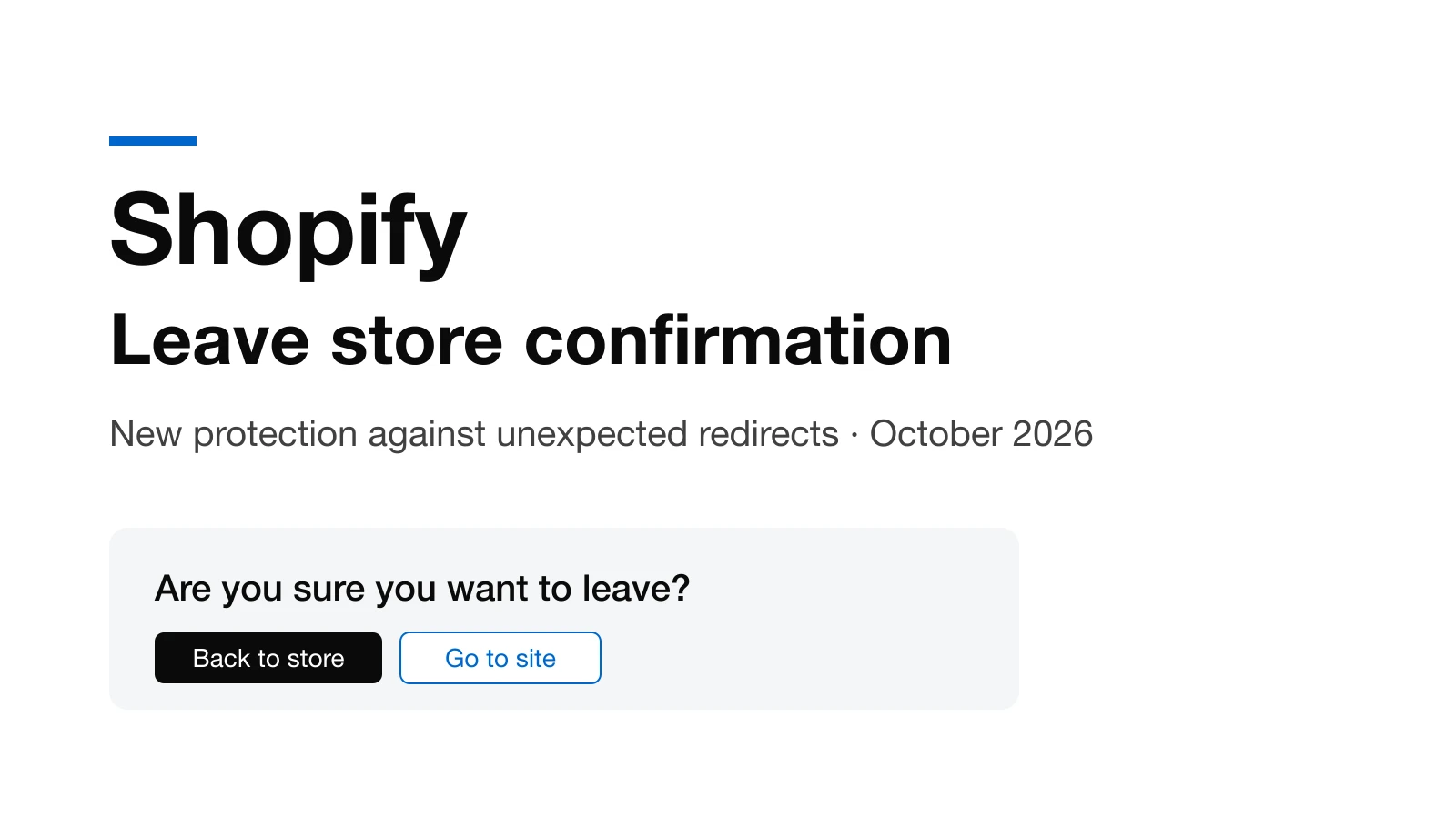
If you clicked an outbound link on a Shopify store this week, you may have seen an unfamiliar prompt asking “Are you sure you want to leave?”. It is Shopify's new protection feature, and it arrived just as many stores had their customers' card details stolen through apps they trusted.
According to Shopify's official changelog, from October 20, 2026 every Online Store asks shoppers to confirm before sending them to a website outside the store. Just three days later, after merchant pushback, Shopify narrowed it: the store now only blocks sites identified as malicious and asks for confirmation on suspicious ones.
This post explains how the feature works, why Shopify built it, what it means for apps, themes and SEO, and a concrete checklist to check your own store today.
What Is Shopify's Protection Against Unexpected Redirects?
When a link or a script on a store sends a shopper to an outside domain, Shopify shows a prompt titled “Are you sure you want to leave [store name]?”. It displays the destination address and offers two buttons: go back to the store or continue to the other site.
According to the Shopify Help Center, the goal is to protect shoppers from code that tries to send them to a fake checkout or a phishing website. The following do not trigger the prompt:
- Domains and subdomains connected to the store in the Domains page.
- Checkout, Shop Pay and customer account pages.
- Popular social networks such as Facebook, Instagram, TikTok and YouTube.
- The browser's back and forward buttons.
- Email and phone links.
One important catch: domains you own but have not connected to your store can still trigger the prompt.
Why Did Shopify Narrow the Feature After Three Days?
The first version on October 20 asked for confirmation on almost every outbound link, was on by default, had no off switch and no trusted domain list. The changelog once promised a trusted domains setting under Online Store, Preferences, then changed it to “soon”, then removed it entirely.
On the Shopify developer forum, merchants reported a string of legitimate journeys breaking:
- Country selectors between separate Shopify stores, for example from www.mystore.com to us.mystore.com.
- Headless stores moving shoppers from the checkout domain back to the main domain.
- Returns portals: one returns app serving about 700 merchants said every one of its links was flagged.
- Partner links, Google Maps links in store locators and third-party policy pages.
The prompt also appeared only in English, even on German stores. On October 22, a Shopify staff member confirmed on the forum that the feature had been disabled. On October 23 it returned in a narrower form: it blocks sites Shopify identifies as malicious, asks only about suspicious ones, and lets every other link through with no warning.
The Hijacked Apps Behind the Decision
The changelog names no incident, but a Shopify staff member wrote on the forum that the team was moving quickly in response to recent security incidents. The backdrop is a chain of third-party apps hijacked in October, as compiled by LetsMetrix:
- Hulk Product Options (October 10): Shopify pulled the app about 70 minutes after first contact.
- Selleasy (October 13): the developer said an unauthorized party accessed internal tools.
- Swym Wishlist Plus (October 14 and a second wave on October 18): the app was disabled for all merchants.
- Earlier cases include Qikify (July 22) and Orichi (September 11).
The attack was sophisticated. According to cside's analysis, the app's JavaScript file stayed legitimate and unmodified, but the malicious code arrived through a custom JavaScript setting stored on the developer's servers. When a shopper clicked Checkout, the code sent them to a fake payment page on .top domains to capture card details, then on to the real checkout so the order still went through. It ran only once per session, so merchants checking their own store usually saw nothing wrong.
Shopify's checkout itself was not compromised. The attack happened on the storefront, right before checkout, and the new prompt is a barrier at exactly that step.
How Does This Affect Apps and Themes?
Shopify has set no requirements, APIs or deadlines for apps and themes tied to this feature. Since October 23, most outbound links work as before. The remaining risk is that Shopify's classifier may label a legitimate but little-known domain, such as a new partner site, as suspicious, and no appeal process has been published.
The most exposed apps and flows are those that send shoppers to unconnected domains: returns portals, booking, installment payments, country store switchers, affiliate links and external landing pages. Same-domain redirects such as A/B tests, upsells and age verification popups are almost certainly unaffected.
The real deadline for developers comes from a separate change: according to Shopify's documentation, script tags cannot be created from October 1, 2026 and Shopify stops loading them on storefronts from March 1, 2027. Also on October 20, Shopify announced tighter limits on app code running in storefronts and stricter App Store security requirements.
Does It Affect SEO or URL Redirects?
There is no sign the feature affects SEO. URL Redirects in the Shopify admin are server-side 301s that happen before any page JavaScript runs, so a browser-side prompt cannot intercept them. Googlebot also does not click links or see the prompt. This is reasoning from how the two mechanisms work; Shopify has not said so officially. If you have a URL Redirect pointing to another website, test it once to be sure.
The real SEO risk runs the other way. Google's spam policies treat sneaky redirects and hacked content as violations. A store infected with malicious code like the October attacks can be labeled “This site may be hacked” or get a Safe Browsing warning, costing far more traffic than any prompt. If you are investing in Shopify SEO, app security is part of protecting your rankings.
What Should Shopify Merchants Do Now?
Shopify's only official guidance is to connect the domains you own under Settings, Domains, and, if the prompt appears on a link that should stay on your store, to review your apps and theme code and contact Support. The remaining steps below come from security firms and the community:
- Test checkout: open a fresh private window several times, click Checkout from the cart page and cart drawer, on mobile too, and watch the address bar. Checkout should stay on your domain or Shopify checkout.
- Look for traces: in DevTools under Application, Session storage, any key starting with __ctf_ should be treated as a sign the store was hit.
- Audit apps: list every app with a custom JavaScript or HTML setting, review App embeds under Online Store, Themes, Customize, and remove anything you do not use.
- Clean the theme: uninstalling an app does not always remove the code it injected, so look for leftover snippets in the theme.
- Secure accounts: change your Shopify and app vendor passwords, turn on two-factor authentication and review collaborator access.
- Inventory outbound links: connect domains you own, test each important link on mobile, and move content onto your own domain where you can.
If you find a malicious redirect, save evidence first (screenshots of the fake page with its URL, timestamps), password-protect the store, disable the suspected app, then contact the app developer, Shopify Support and your payment processor. You do not need to delete your existing 301 URL Redirects.
The Lesson for Shopify Store Owners
The leave store prompt is a last-step safety net, not a reason to relax. The current version depends on Shopify recognizing malicious domains, while the October attackers used brand-new domains that no blocklist knew yet. Risk on hosted platforms has shifted: it is no longer a hacked server but the third-party app supply chain, where every custom JavaScript setting is a door for running code remotely.
The best defense is still to install fewer apps, choose reputable developers, and regularly check which scripts run on your product, cart and checkout pages.
If you need a review of your store's apps, theme and checkout flow, Growthtrait's Shopify development team can help. Contact us to get started.
Frequently asked questions
What is the “Are you sure you want to leave” prompt on Shopify?
It is a protection feature Shopify launched on October 20, 2026. When a link or script sends a shopper to an outside website, the store shows a prompt with the destination address so the shopper can go back or continue, to stop redirects to fake checkout pages.
Can merchants turn the prompt off?
No. Shopify does not let merchants turn it off or choose sites that skip it. The official way to avoid warnings on legitimate links is to connect domains you own under Settings, Domains. Since October 23, most outbound links go through with no warning.
Does this feature affect SEO?
There is no sign it does. 301 URL Redirects run server-side so the prompt cannot intercept them, and Googlebot never sees the prompt. The real SEO risk is a store infected with malicious redirect code that gets flagged by Google.
Why did Shopify add this feature?
Shopify said it was responding to recent security incidents. In October 2026, apps including Hulk Product Options, Selleasy and Swym Wishlist Plus were hijacked to send shoppers from the Checkout button to fake payment pages that stole card details.
How do I know if my Shopify store has a malicious redirect?
Test checkout several times in a private window and watch the address bar. In DevTools, check Session storage for keys starting with __ctf_. Review apps with custom JavaScript settings and the app embeds enabled in your theme.
Need help with this?
Growthtrait can help you put this into practice. Let's talk about your goals.
Contact us