
Shopify makes it remarkably easy to launch a store. What it does not do is make people find it. A beautiful store with no traffic is just an expensive brochure, and for most brands the cheapest and most durable source of traffic is organic search. That is where Shopify SEO comes in.
The good news is that Shopify handles some SEO basics for you out of the box. The catch is that the defaults are rarely enough to rank in a competitive category, and a few Shopify-specific quirks can quietly hold a store back. Getting SEO right is what turns a store from invisible into a channel that compounds.
This guide covers what Shopify SEO is, the technical foundation to get right, how to optimize product and collection pages, how to structure your store, and the AI search moves that increasingly decide who gets found.
What Is Shopify SEO?
Shopify SEO is the practice of optimizing a Shopify store so it ranks higher in search engines like Google and earns organic traffic you do not pay for per click. It spans the technical setup of the store, the content on product and collection pages, the site's structure, and the signals that tell search engines your store is trustworthy. The goal is to appear on the search results page when someone searches for what you sell.
Unlike paid ads, which stop the moment you stop spending, SEO compounds. A product page that ranks keeps bringing buyers month after month, which is why SEO is one of the highest-return investments an e-commerce brand can make.
Does Shopify Handle SEO for You?
Partly. Shopify covers several basics automatically, which is a real head start, but it leaves the parts that actually differentiate a store to you.
- Automatic essentials: Shopify generates an XML sitemap, adds canonical tags, and produces a robots.txt, so search engines can crawl and understand your store.
- Editable basics: you can set the title tag, meta description, and URL handle for every product, collection, page, and blog post.
- What it does not do: write unique product descriptions, fix duplicate content from collections and tags, optimize images, build internal links, or earn authority. Those are on you.
In short, Shopify gives you a crawlable foundation, but ranking still comes down to the work you put on top of it.
Get the Technical Foundation Right
Before optimizing individual pages, make sure the store itself is not fighting you.
- Fix duplicate content: Shopify can create multiple URLs for the same product through collections and tags. Rely on canonical tags and keep thin tag pages out of the index so search engines know which version counts.
- Keep URLs clean: use short, descriptive handles that include the product or category name, and avoid changing them after they rank without a redirect.
- Set up redirects: when you delete or rename a product, add a 301 redirect in Shopify so you do not lose the ranking or send buyers to a dead page.
- Make it fast: speed is a ranking and conversion factor, and Shopify themes and apps can slow a store down. See our guide on Core Web Vitals for the fixes that matter most.
- Confirm the mobile experience: most store traffic is mobile, and Google indexes the mobile version, so it has to work well on a phone.
Optimize Your Product and Collection Pages
This is where most Shopify SEO is won or lost, because product and collection pages are the ones people actually search for.
Write unique product descriptions
The single most common Shopify SEO mistake is pasting the manufacturer's description onto every product. Search engines see that same text across dozens of stores and have no reason to rank yours. Write original descriptions that answer real buyer questions: who it is for, what problem it solves, how it compares, and the details that matter before buying.
Nail the title tag and meta description
Each product and collection needs a title tag that includes the term people actually search for, and a meta description that earns the click. Lead with the product or category name and the key benefit, and keep the title readable rather than stuffed with keywords.
Optimize images
Product images are heavy and everywhere, so compress them, use descriptive file names, and write alt text that describes the image. Good alt text helps accessibility, image search, and the visual shopping features that rely on understanding what is in a picture.
Use headings and internal links
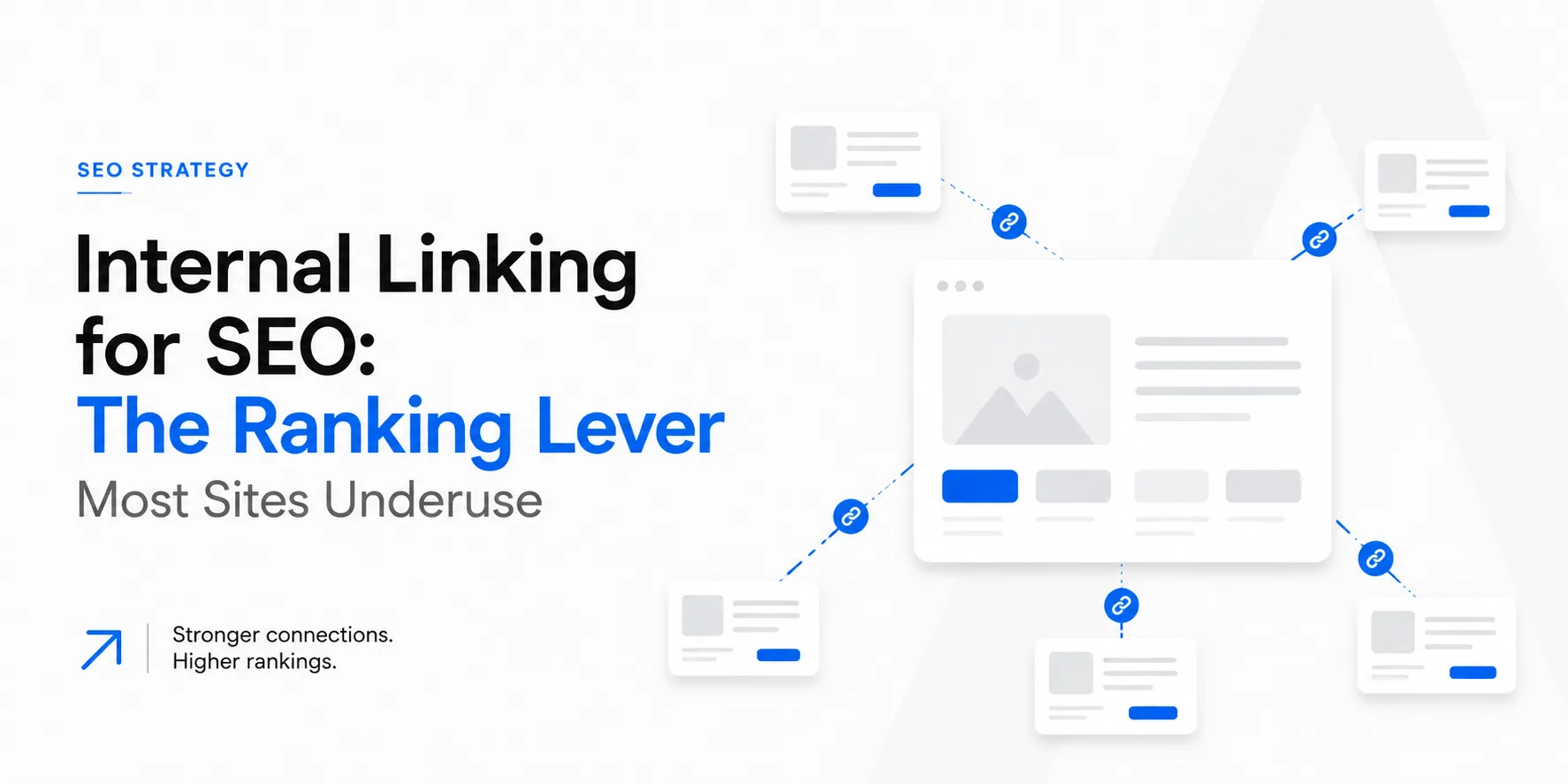
Structure longer descriptions with clear headings, and link related products and collections to each other so both shoppers and crawlers can move through the store.
Structure Your Store for SEO
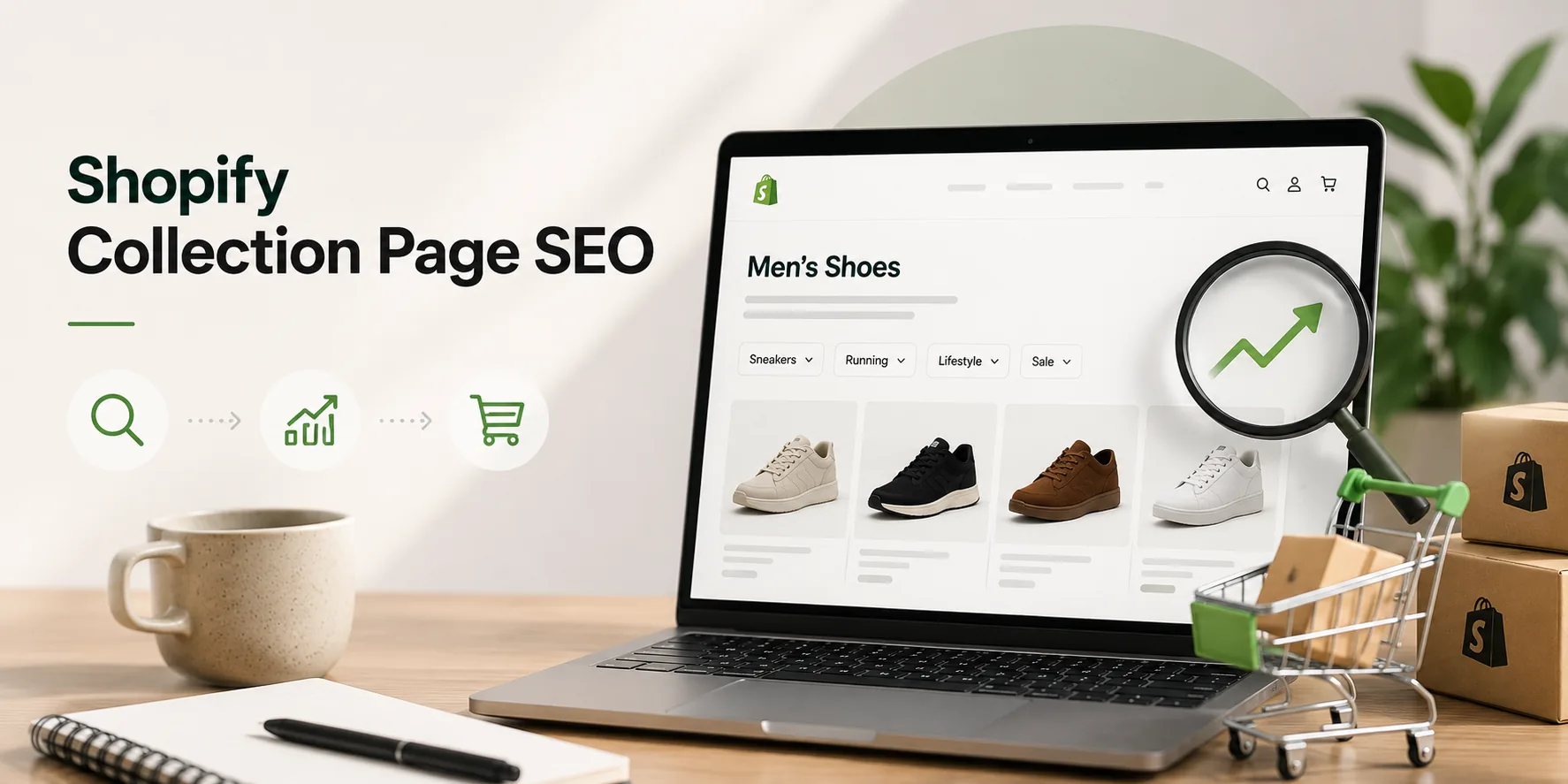
How your store is organized matters as much as any single page. Collections act as category hubs, so treat them as SEO pages in their own right: give each an optimized title, a short unique intro paragraph, and internal links to key products. A clear structure, where important pages sit a few clicks from the homepage and related pages link to each other, helps search engines understand what your store is about and spreads authority to the pages that need it. This is also how you build topical authority in your category.
Add Schema Markup for Rich Results
Schema markup is structured data that tells search engines exactly what a page contains. For a store, Product schema can surface price, availability, and review stars directly in the results, which makes your listing stand out and lifts click-through. Many Shopify themes include some structured data, but it is worth confirming that Product, Review, and Breadcrumb markup are present and valid, since they are among the highest-impact technical wins for an online store.
Build Content and Authority
Product and collection pages capture people who are ready to buy, but content captures people earlier, while they are still researching. A blog with buying guides, comparisons, and how-to articles brings in searchers, answers their questions, and links them to the right products. It also earns the backlinks and topical depth that lift the whole store. If your goal is turning that traffic into revenue, our guide on the Shopify flows that lift revenue covers the conversion side.
Do Not Ignore AI Search
Search is no longer only about ranking a blue link. A growing share of product research now happens inside AI answers, from Google's AI features to ChatGPT, and being the source these systems cite is becoming its own channel. The work overlaps with good SEO: clear, well-structured content, accurate product data, schema markup, and genuine authority. Structuring content to be extracted and cited is the heart of GEO and AEO, and for e-commerce it increasingly decides whether a shopper ever sees your store. See GEO and AEO for how these work.
A Quick Shopify SEO Checklist
If you want a place to start, run through this:
- Every product and collection has a unique title tag and meta description.
- Product descriptions are original, not copied from the manufacturer.
- Images are compressed with descriptive file names and alt text.
- Duplicate collection and tag URLs are handled with canonical tags.
- Deleted or renamed products have 301 redirects.
- The store loads fast and works well on mobile.
- Product schema is present and valid.
- A blog answers the questions buyers ask before purchasing.
- Important pages are internally linked and a few clicks from the homepage.
Where to Start
Shopify gives you a fast, crawlable foundation, but ranking is earned by the work on top: unique content, a clean technical setup, a sensible structure, and authority built over time. Start with the highest-impact fixes, which are unique product content, technical hygiene, and schema, then layer in content and AI search. Small, consistent improvements compound, which is exactly what makes SEO worth it.
If you want a Shopify store built and optimized to rank from the start, our Shopify development service is built around SEO and conversion together. Contact us and we will take a look at where your store stands.
Frequently asked questions
Is Shopify good for SEO?
Yes, Shopify is SEO-friendly out of the box, with an automatic sitemap, canonical tags, and editable titles and meta descriptions. It handles the basics well, but ranking in a competitive category still depends on unique content, technical hygiene, and authority that you add yourself.
Does Shopify have built-in SEO?
Shopify includes several built-in SEO features: an auto-generated XML sitemap, canonical tags, robots.txt, and editable title tags, meta descriptions, and URL handles. It does not write your content, fix duplicate pages, or build authority, so those remain your responsibility.
Why isn't my Shopify store ranking?
Common reasons are duplicate or manufacturer-copied product descriptions, missing or weak title tags, slow load times, thin content, poor internal structure, and a lack of backlinks. Ranking usually improves once unique content and the technical basics are in place and the store earns some authority.
Do I need a Shopify SEO app?
Not necessarily. Apps can help with tasks like bulk meta-tag editing, redirects, and structured data, but they cannot replace unique content and good structure. Fix the fundamentals first, then use an app only to make the work faster.
How long does Shopify SEO take?
SEO is a compounding, long-term channel rather than an instant one. Technical fixes can show results in weeks, while content and authority typically take a few months to move rankings meaningfully. The payoff is traffic that keeps coming without paying per click.
Need help with this?
Growthtrait can help you put this into practice. Let's talk about your goals.
Contact us