
Shopify is one of the most popular website builders in the world for one reason: it lets you launch a real online store without writing code or stitching together plugins. But builder is doing a lot of work in that sentence. Behind the simple setup sits a system of themes, AI tools, apps, and pricing tiers that shape what your store can do and what it costs.
This guide breaks down the Shopify website builder into the parts that matter most: how its themes and design system work, what its AI features actually do, how apps extend it, what the free trial and pricing look like, and who it is and is not the right fit for.
What Is the Shopify Website Builder?
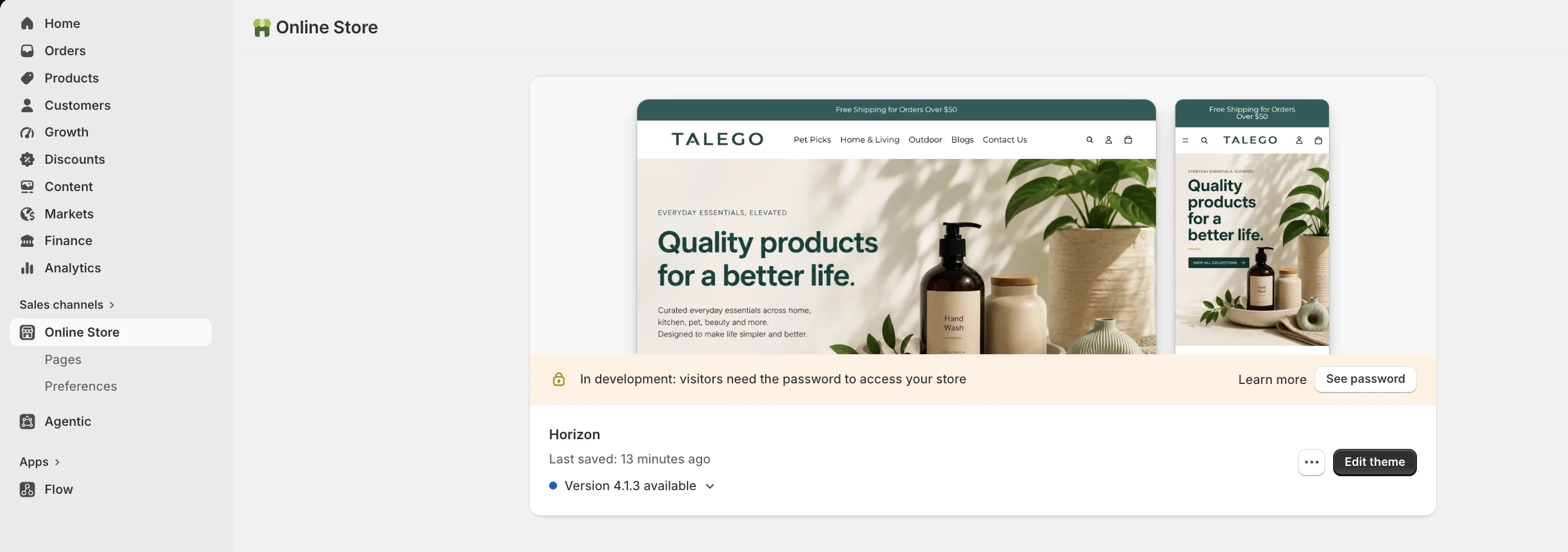
The Shopify website builder is a hosted platform for creating and running an online store. Hosted means Shopify handles the servers, security, and updates, so you focus on your products rather than infrastructure. You build a store by choosing a theme, customizing it in a visual editor, adding products, and connecting a payment method, all from one admin dashboard.
Because it is built specifically for commerce, a Shopify store comes with what an online store needs out of the box: a shopping cart, secure checkout, inventory management, and order processing. That focus is what separates it from general website builders, and it is why it powers millions of stores worldwide.
Shopify Themes: How the Design System Works
Your store's look starts with a theme, a pre-built design you customize to your brand. Shopify's Theme Store offers over 100 themes, including a set of free ones built by Shopify's own team, alongside paid options for more specific needs.
Modern Shopify themes let you edit layout and content through a visual editor without touching code. You can rearrange sections, change colors and fonts, and preview on mobile. For deeper control, themes are also editable in code, which is where a developer can tailor design and performance. A few things to know when choosing a theme:
- Start with a free theme if you are testing an idea; they are well-built and enough to launch.
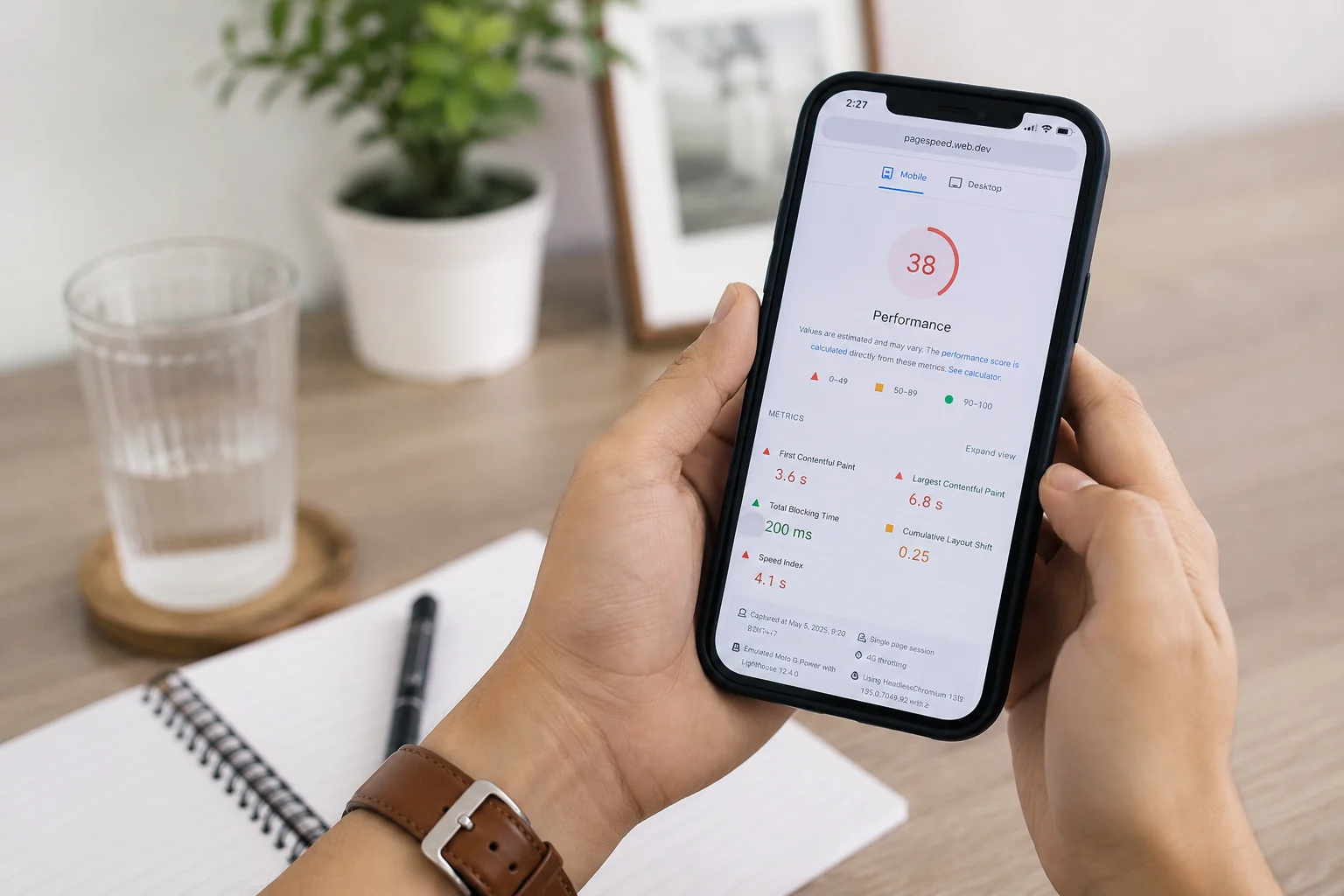
- Check speed: a heavy theme hurts loading, which affects both ranking and conversion. See our guide on Core Web Vitals.
- Prioritize the mobile view, since that is where most buyers are.
- Do not over-customize before launch; start selling, then refine.
Shopify AI: What Magic and Sidekick Actually Do
Shopify has built AI into the platform through two main tools. Shopify Magic is a free set of AI features for creating content, such as writing product descriptions, marketing emails, and SEO meta titles and descriptions, and editing product images. Sidekick is an AI assistant inside the admin that can answer questions about your store, analyze your sales data, and help complete tasks like setting up discounts or building automations.
The practical value is speed on the busywork. Magic can draft a product description you then refine rather than write from scratch, and Sidekick can pull an answer from your data instead of you digging through reports. As with any AI, treat the output as a draft to check, not a finished product, since it can be generic or occasionally wrong, a risk known as AI hallucination.
Shopify Apps: Extending What Your Store Can Do
When you need functionality a theme does not include, you add an app. The Shopify App Store hosts thousands of apps, more than 17,000 as of 2026, covering everything from email marketing and reviews to subscriptions, loyalty, and shipping.
Apps are how a store grows beyond the basics, but they come with a tradeoff worth respecting: each app you install can add code that slows your store down. A slow store loses buyers and rankings, so the discipline is to install only what earns its place, remove apps you no longer use, and watch your page speed as you add them. A handful of well-chosen apps beats a pile of half-used ones.
Shopify Free Trial, Pricing, and Discounts
Shopify is not free, but it is cheap to start. As of 2026, it offers a 3-day free trial, followed by an introductory promotion of $1 per month for the first three months, after which paid plans begin at around $39 per month for the Basic plan, with higher tiers for larger stores. There is also a small Starter plan for selling without a full storefront.
Two caveats matter. First, promotions and prices change often and vary by region, so always confirm the current terms on Shopify's pricing page rather than trusting a number in an article. Second, the plan price is not your only cost: if you use a third-party payment gateway instead of Shopify Payments, Shopify adds a transaction fee, and apps and premium themes add to the total. Budget for the real monthly cost, not just the headline plan price.
Is Shopify the Right Website Builder for You?
Shopify fits most people who want to sell online without managing technology. It is fast to launch, reliable, and it scales from a first sale to a large brand. The tradeoffs are that it is a subscription with ongoing costs, some deeper customizations require code or an app, and you work within Shopify's ecosystem rather than owning the full stack.
It is an especially strong choice if commerce is the point of your site. If you mainly need a content site or blog with occasional selling, a general website builder may fit better. But for a store, the commerce features, reliability, and ecosystem are hard to beat.
How to Get the Most Out of Shopify
Launching on Shopify is the easy part; getting traffic and sales is the work that follows. Two areas pay off the most. First, SEO: Shopify gives you a crawlable foundation, but ranking still depends on unique content and technical hygiene, which our Shopify SEO guide covers in full. Second, conversion: once people arrive, the flows that turn them into buyers matter more than traffic volume, which we break down in the Shopify flows that lift revenue. Build the store well, then invest in being found and converting.
Where to Start
The Shopify website builder gives you a fast, reliable foundation for selling online, with themes for design, AI to speed up the busywork, apps to extend it, and pricing that is cheap to start. The difference between a store that sits quietly and one that grows is what you do after launch: design, speed, SEO, and conversion.
If you want a Shopify store built to sell from day one, designed, optimized, and ready to rank, our Shopify development service covers the whole build. Contact us and we will help you start.
Frequently asked questions
Is Shopify free to use?
No, Shopify is a paid platform, but it is inexpensive to start. As of 2026 it offers a 3-day free trial and an introductory offer of $1 per month for the first three months, after which plans begin around $39 per month. Terms change and vary by region, so check Shopify's pricing page for current offers.
How much does Shopify cost?
Paid plans start at roughly $39 per month for the Basic plan (as of 2026), with higher tiers for larger stores and a small Starter plan for selling without a full storefront. Extra costs can include app subscriptions, premium themes, and transaction fees if you do not use Shopify Payments.
Does Shopify have AI?
Yes. Shopify Magic is a free set of AI tools for writing content like product descriptions and meta tags and editing images, and Sidekick is an AI assistant in the admin that answers questions, analyzes your data, and helps complete tasks such as setting up discounts.
How many themes and apps does Shopify have?
The Shopify Theme Store offers over 100 themes, including free ones built by Shopify, and the App Store hosts thousands of apps, more than 17,000 as of 2026, covering marketing, reviews, subscriptions, shipping, and much more.
Is Shopify good for SEO?
Yes, Shopify is SEO-friendly, with an automatic sitemap, canonical tags, and editable titles and meta descriptions. Ranking still depends on unique content, a clean structure, and authority you add. Our Shopify SEO guide covers the full process.
Need help with this?
Growthtrait can help you put this into practice. Let's talk about your goals.
Contact us